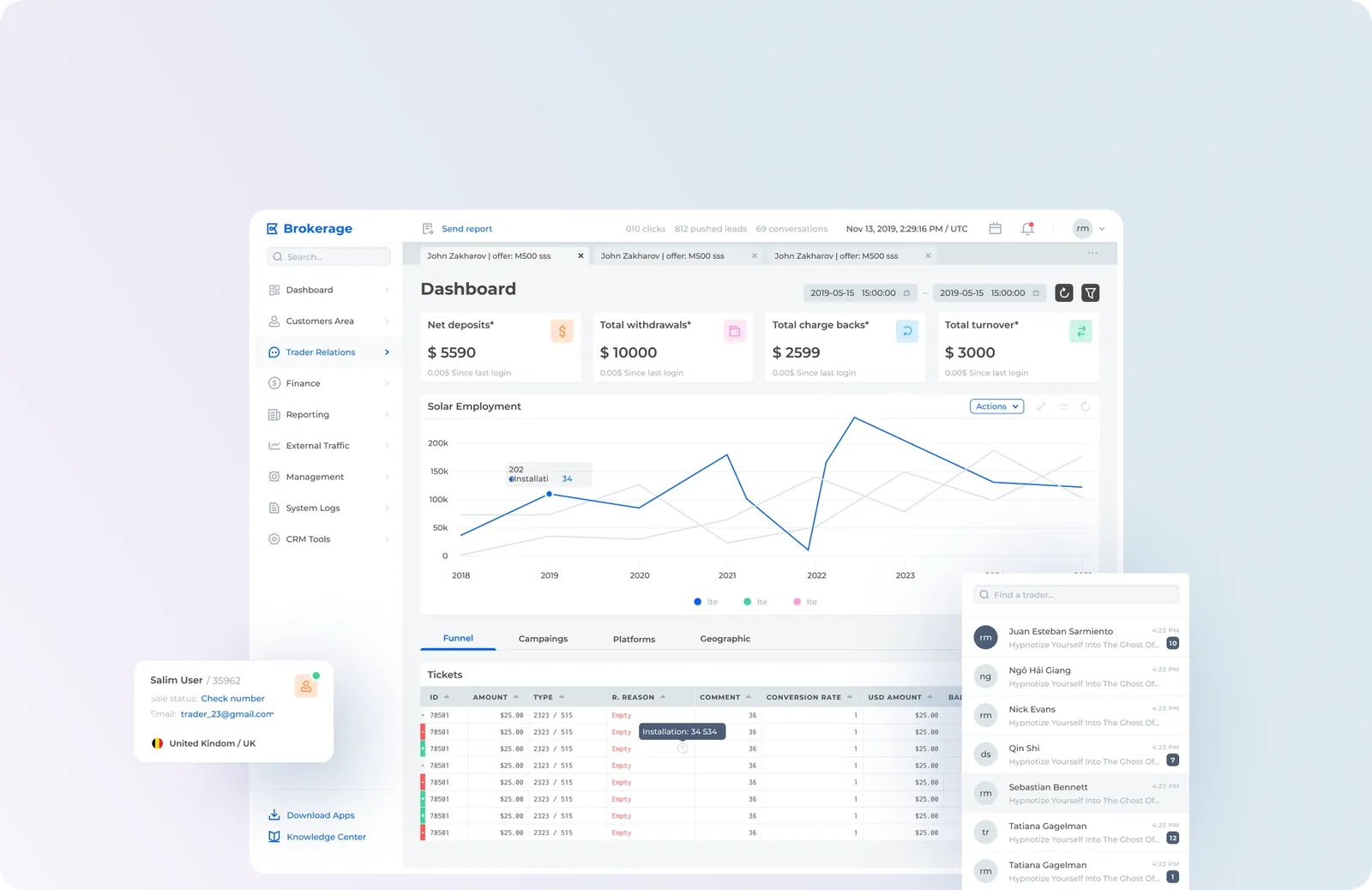
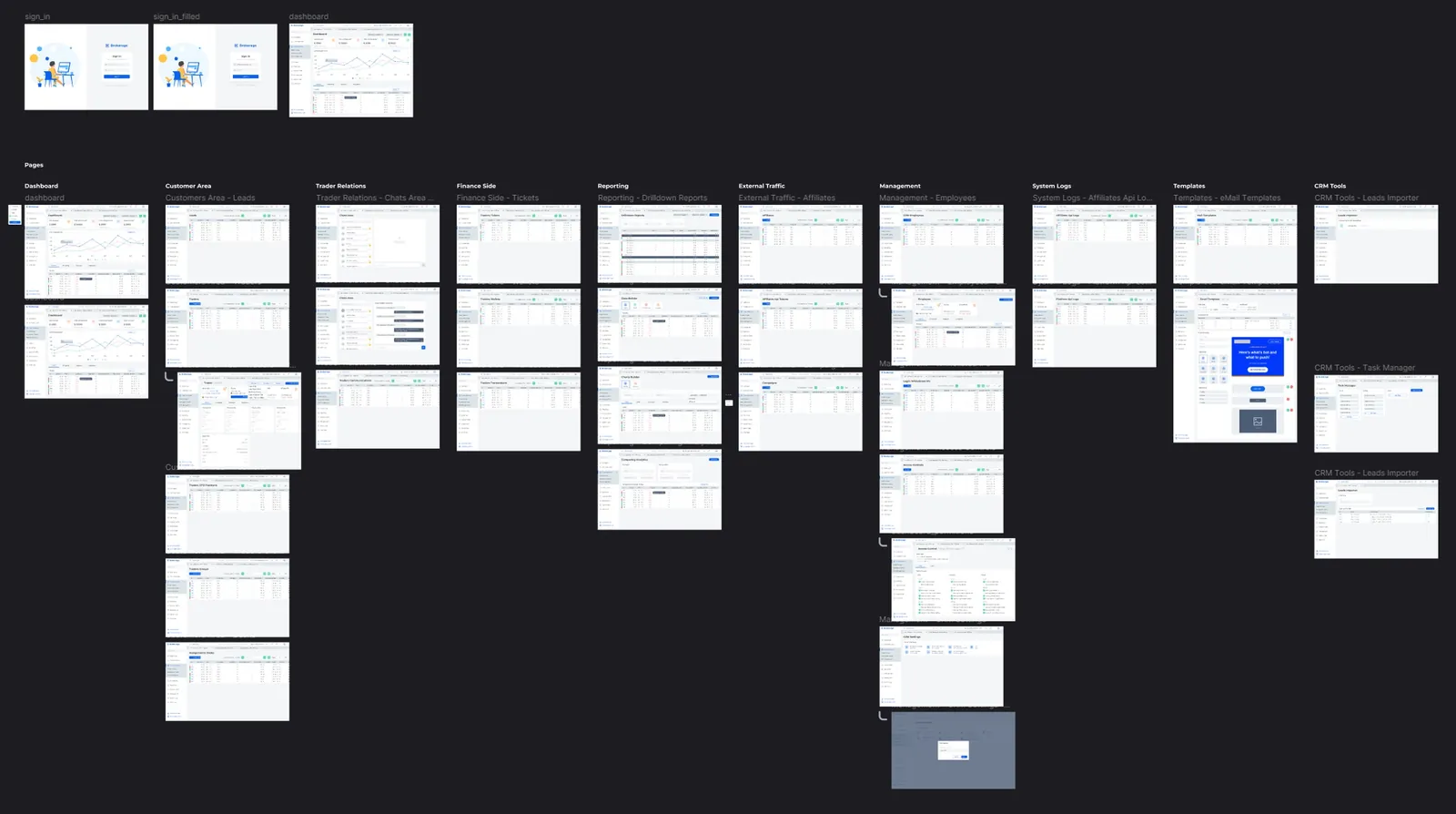
This CRM is built around lead tables and modal windows for their configuration, providing a functional and efficient interface. In this project, I will showcase only the most interesting and key screens of the system. The following screenshots highlight the essential features that demonstrate the platform's capabilities and user benefits.
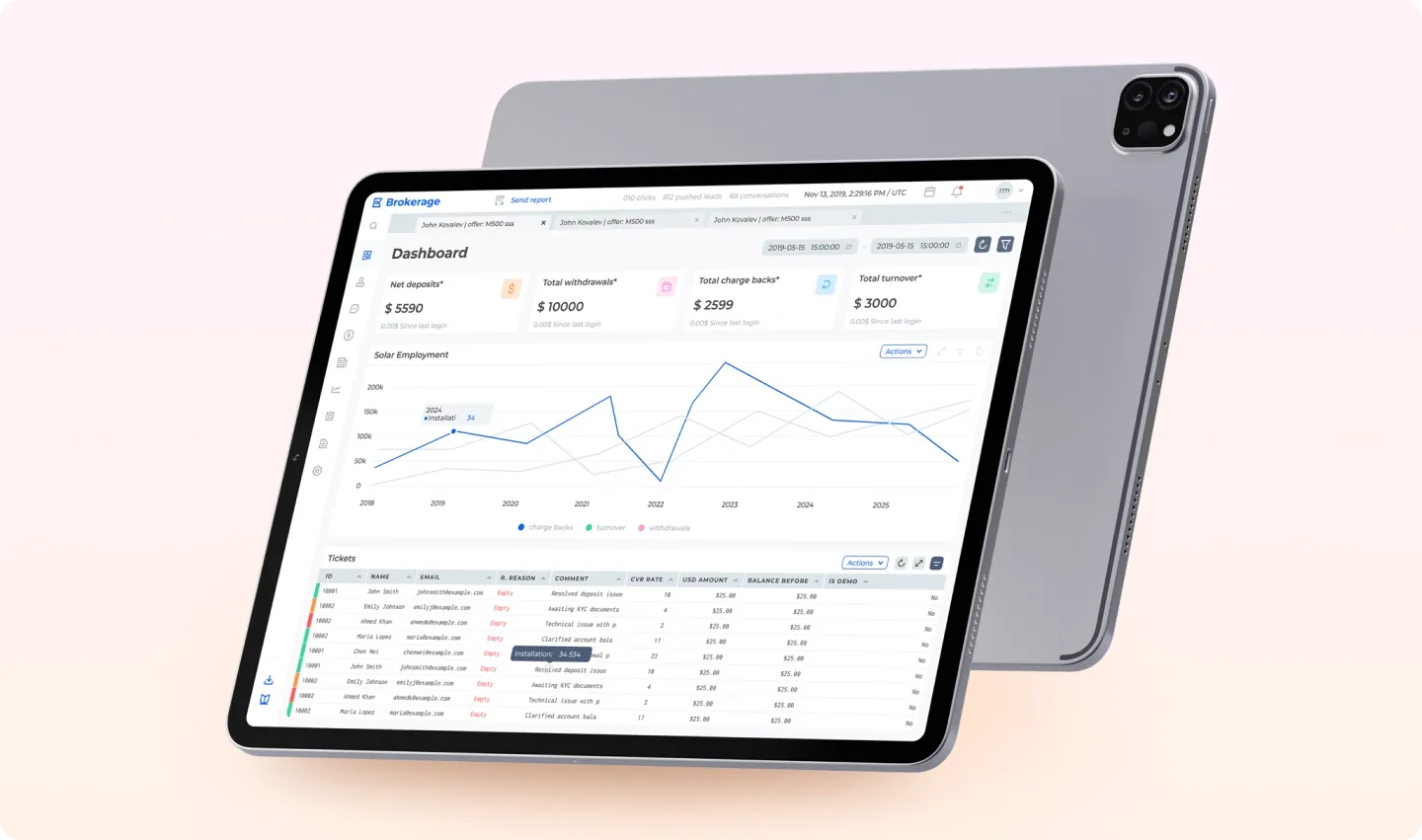

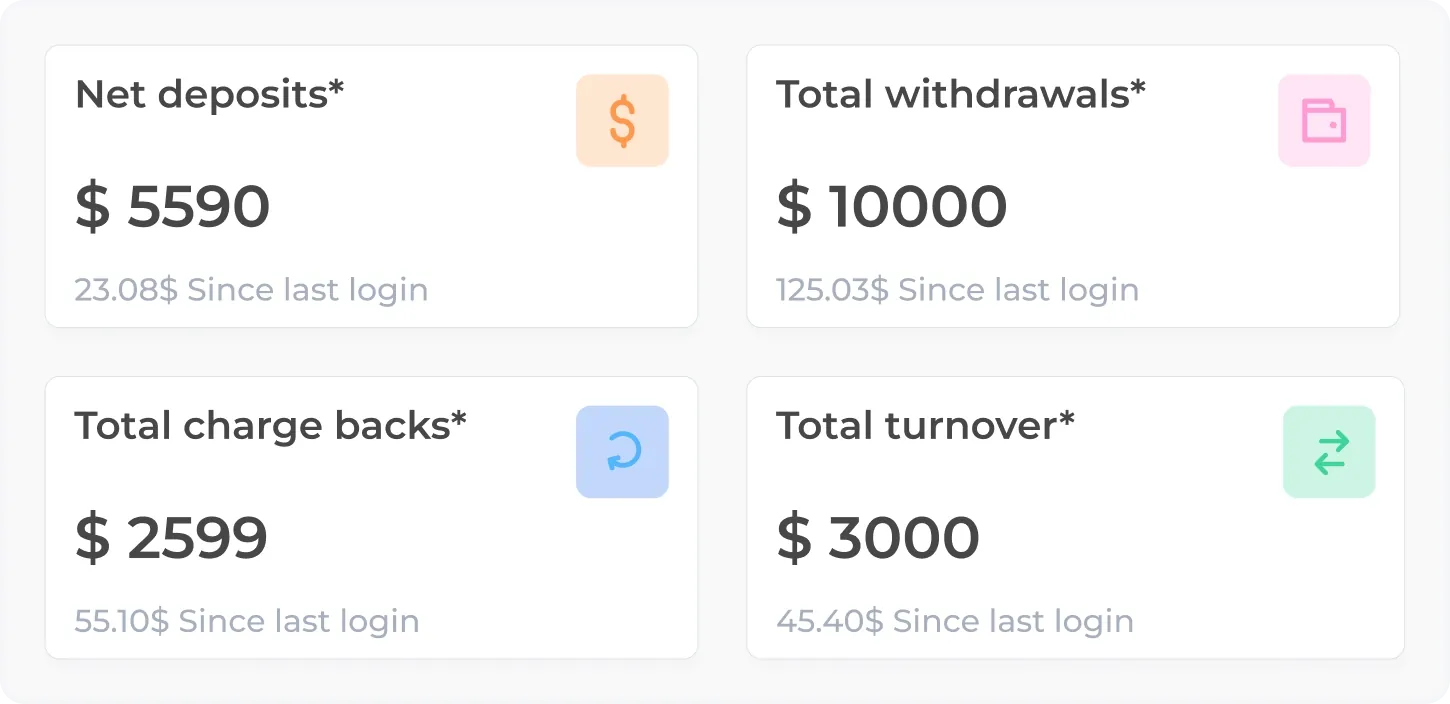
Displays key financial indicators such as Net Deposits, Total Withdrawals, Chargebacks, and Turnover. Highlights changes since the last login, helping users quickly gauge performance.
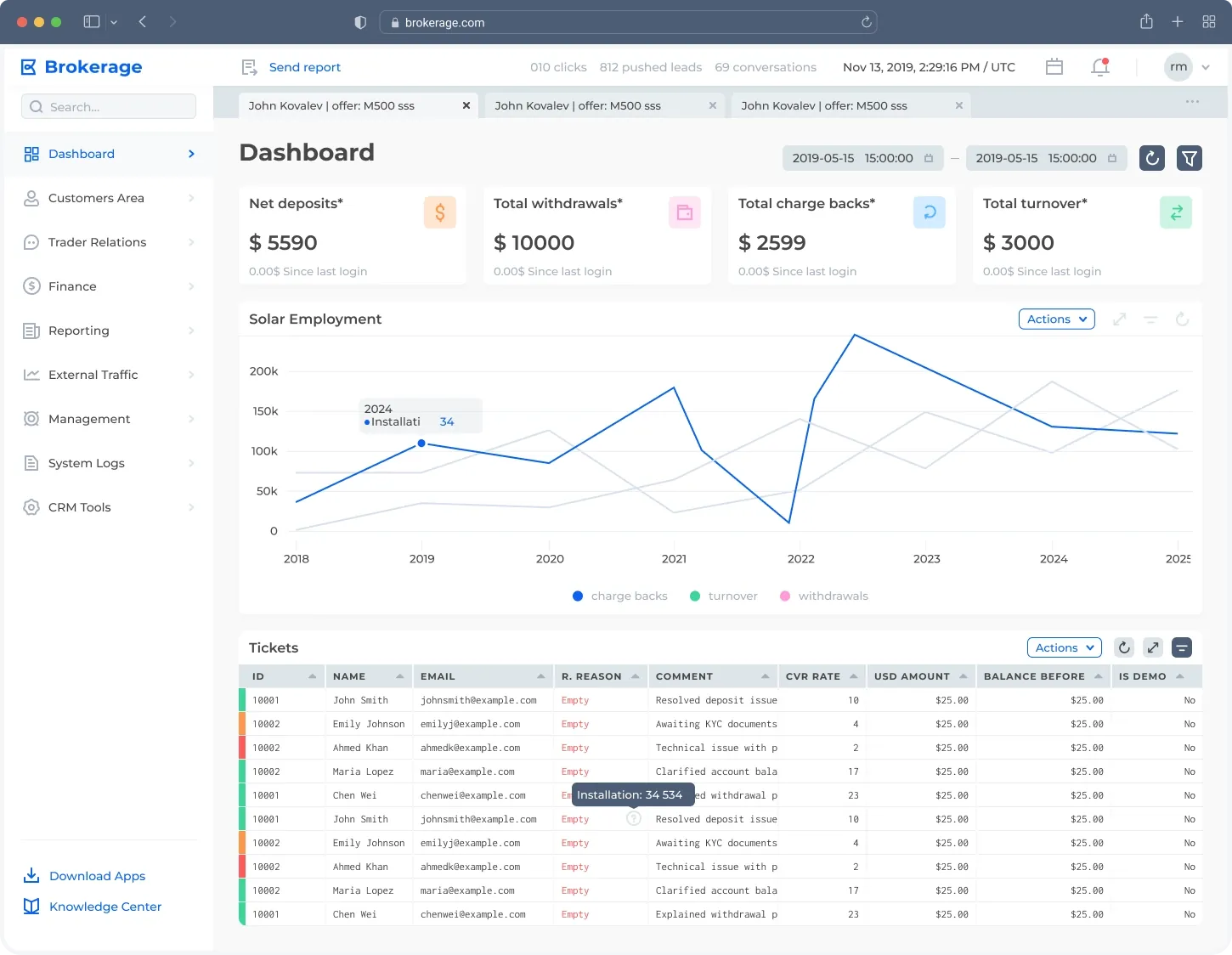
Provides a comprehensive snapshot of financial activity, including net deposits, total withdrawals, chargebacks, and total turnover. Interactive graphs visualize trends over time, and ticket details offer actionable insights for further analysis.
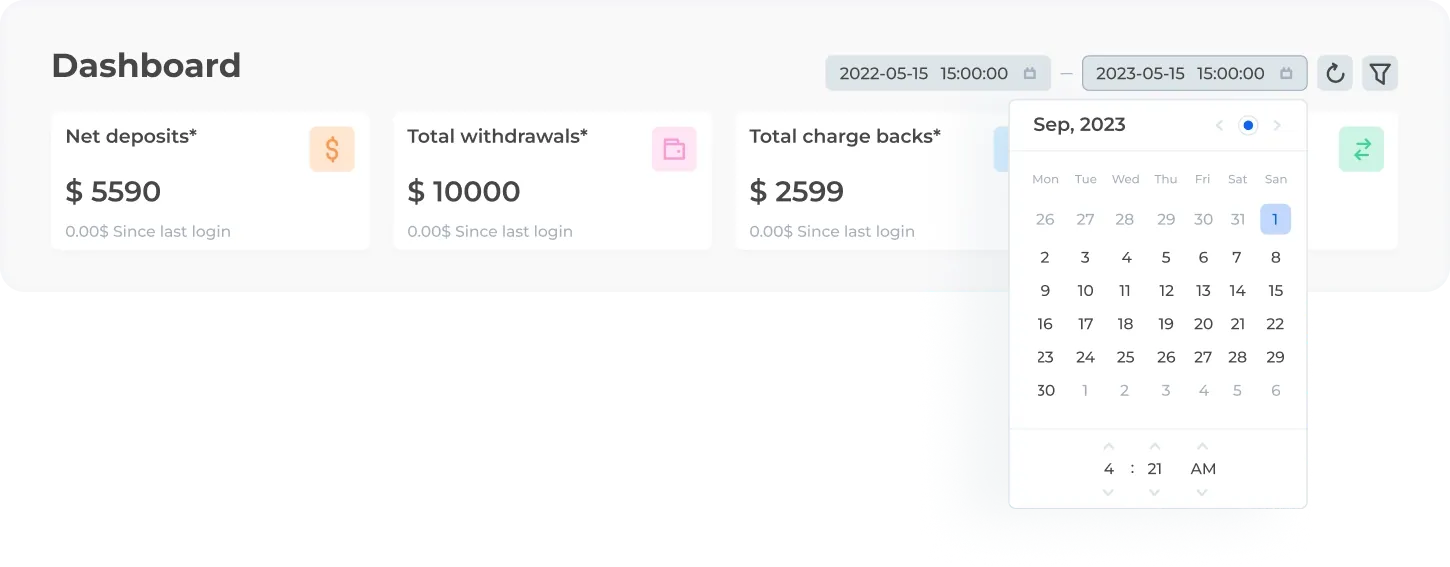
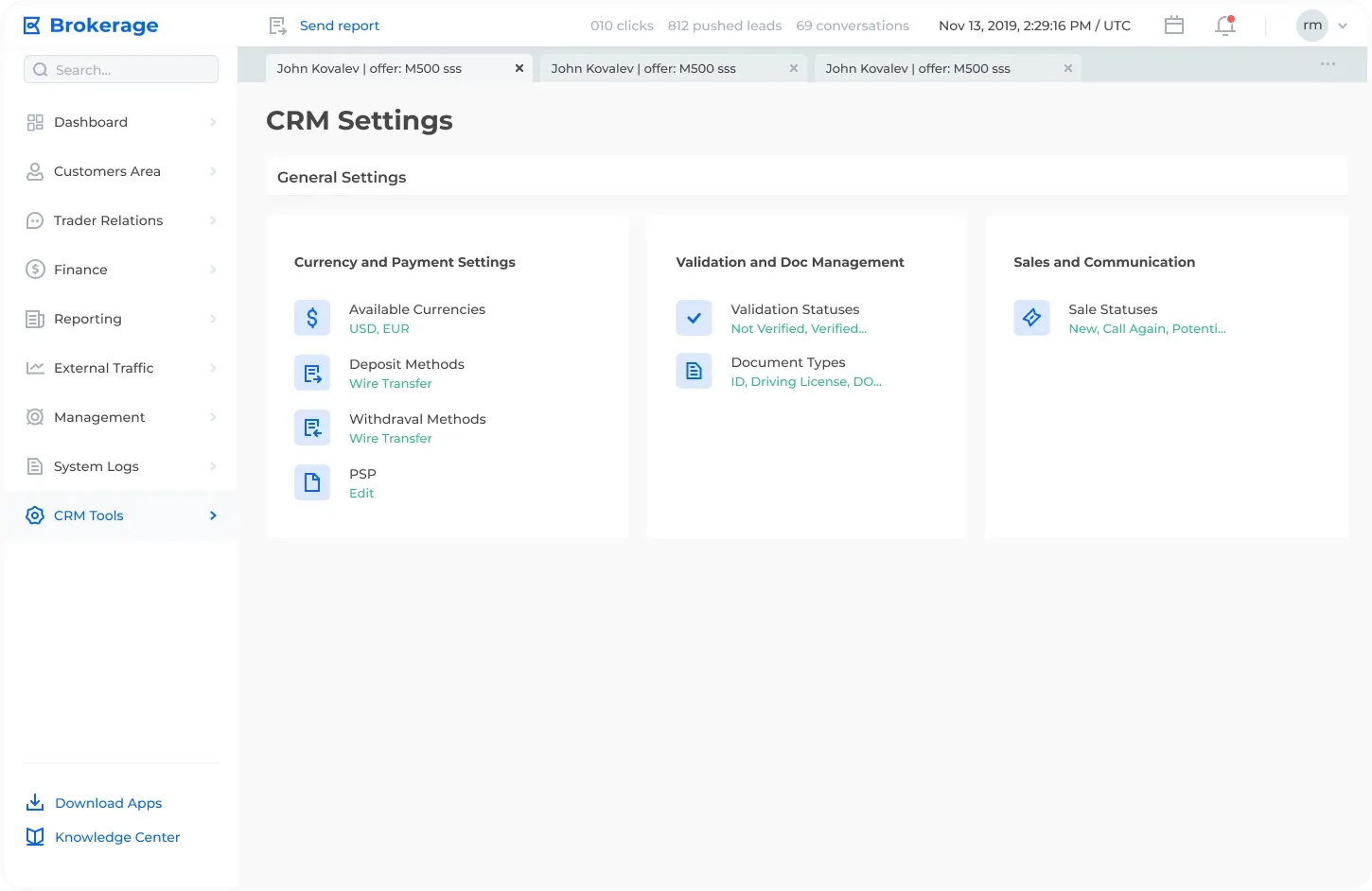
Centralized hub for managing key configurations, including currency and payment methods, validation statuses, document types, and sales communication workflows.
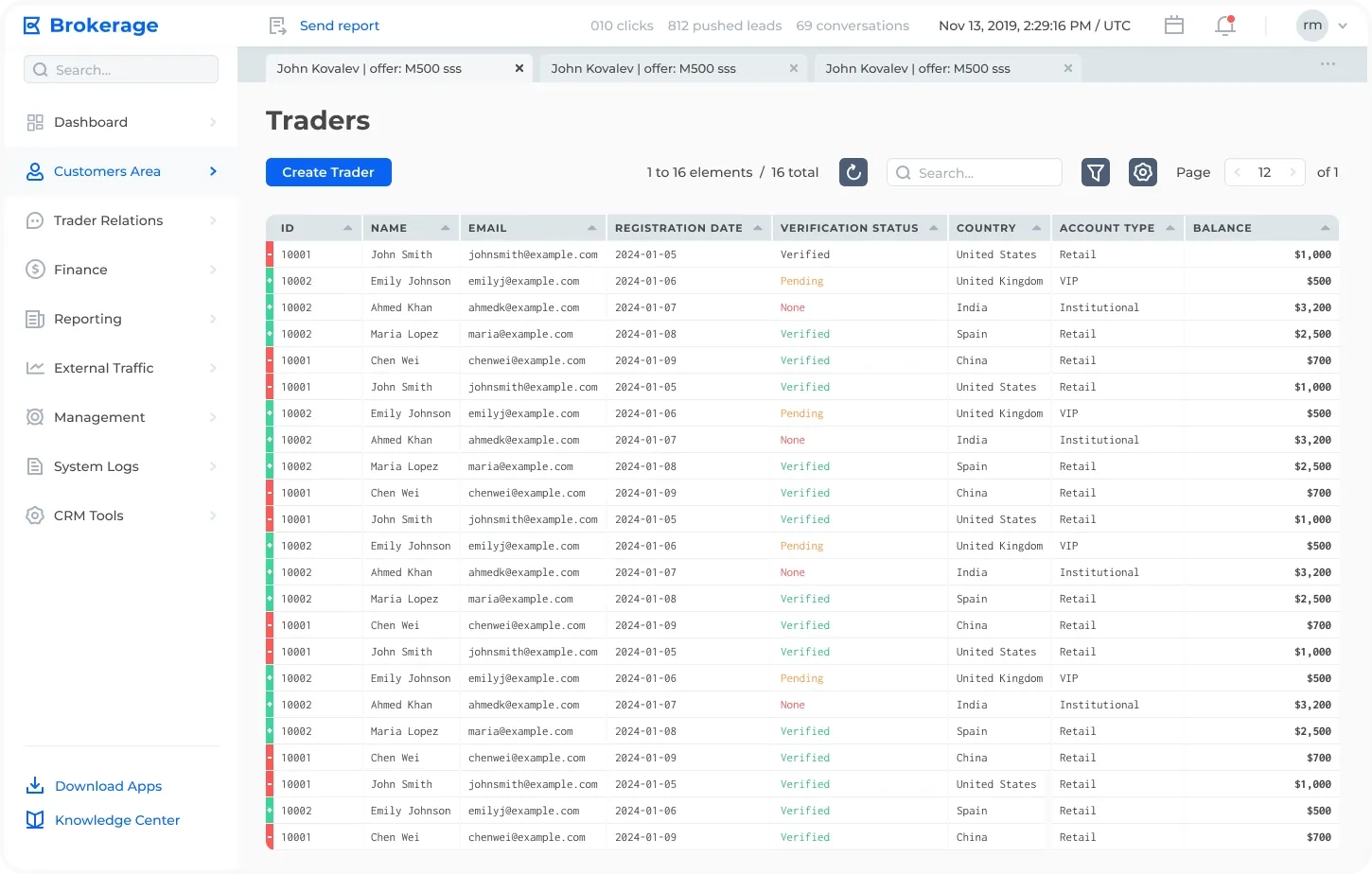
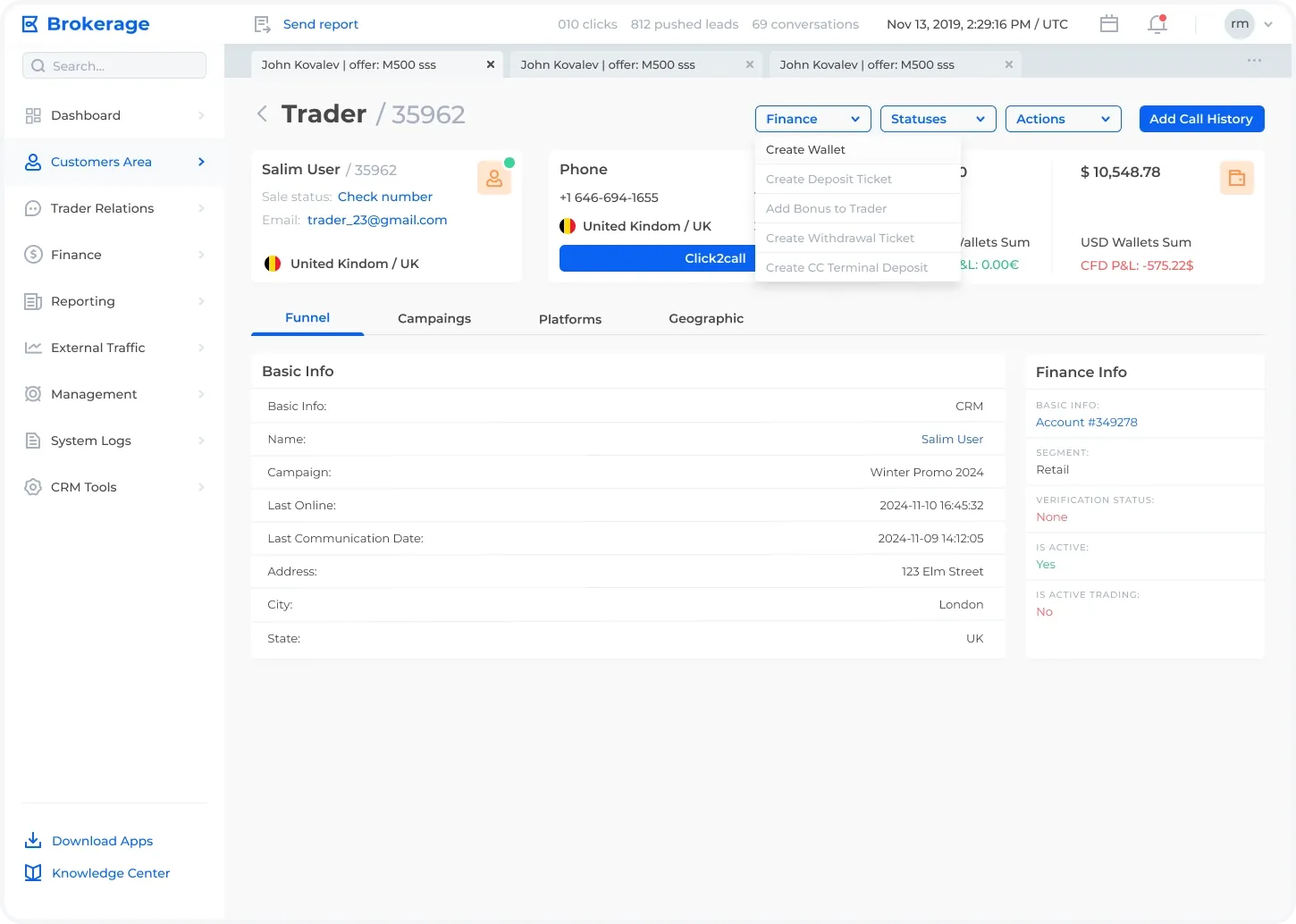
A comprehensive profile page for individual traders showcasing financial information, basic details, and trading activity. Includes quick actions like creating wallets, deposit/withdrawal tickets, and adding bonuses for seamless account management.
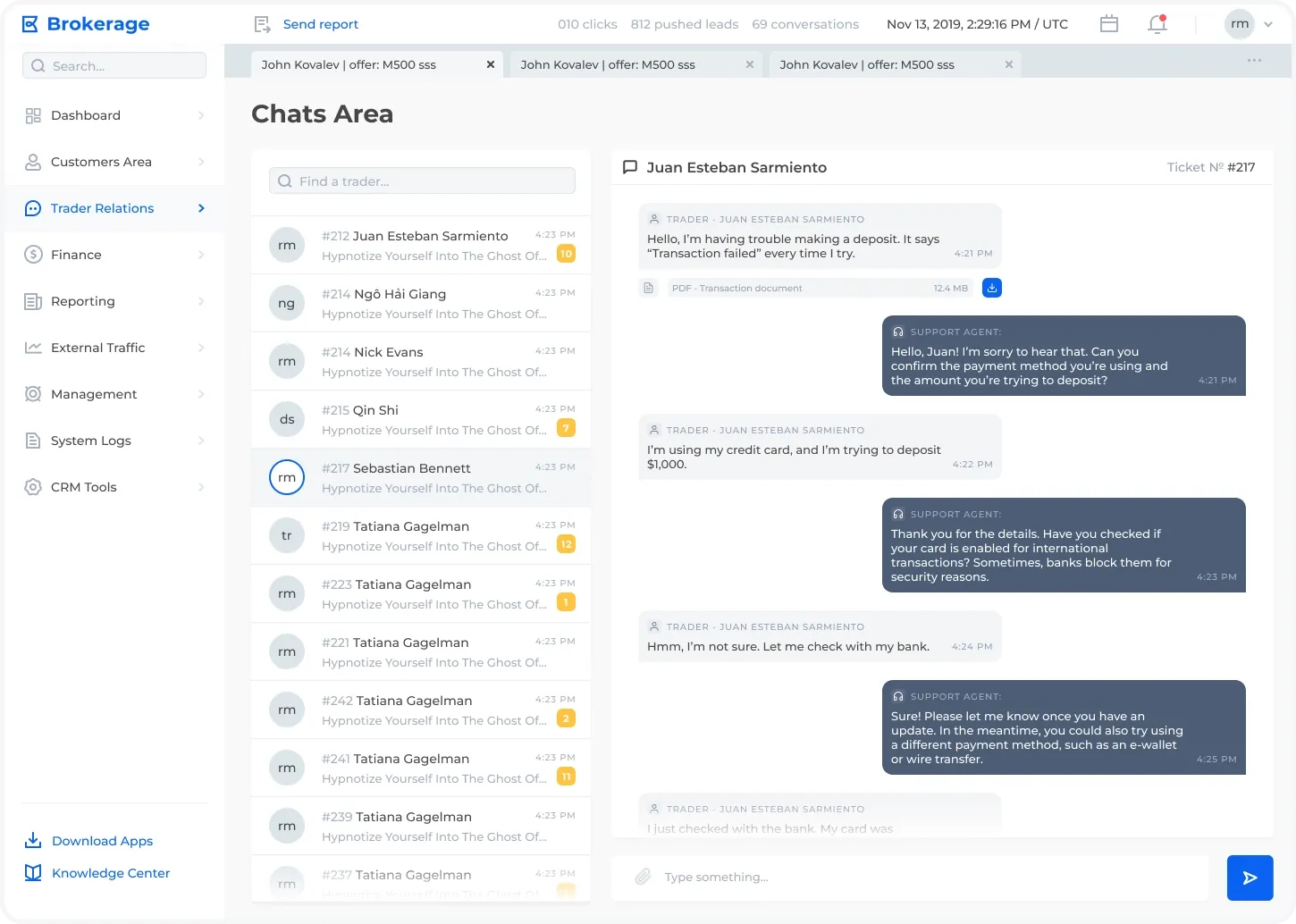
A streamlined interface for managing trader communication. Displays a list of ongoing conversations with traders, highlighting unread messages and allowing direct message exchange with quick reply functionality.
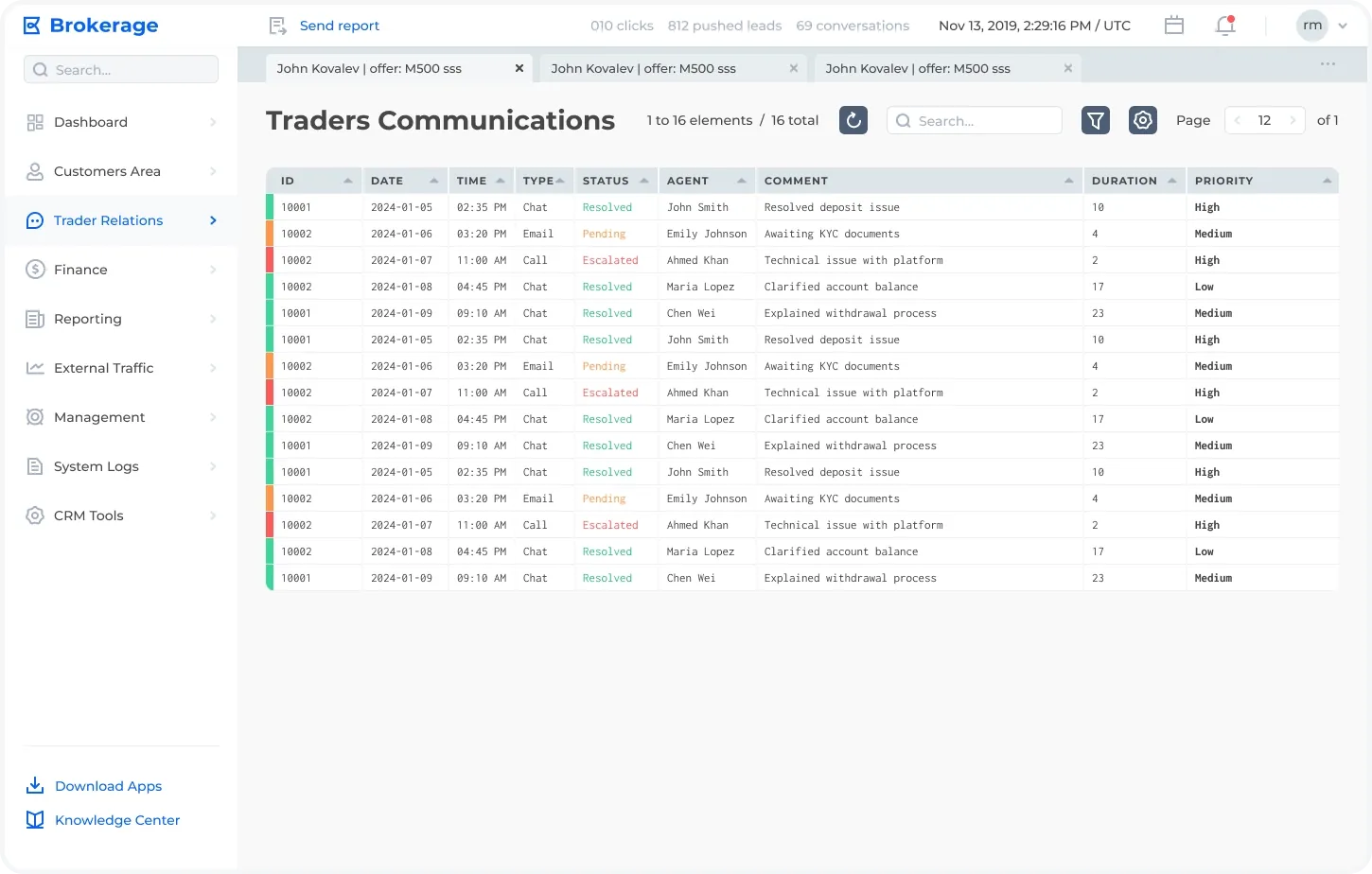
A structured overview of communication records with traders, including transaction details, reasons, comments, and balances. Designed for monitoring and analyzing trader interactions efficiently.
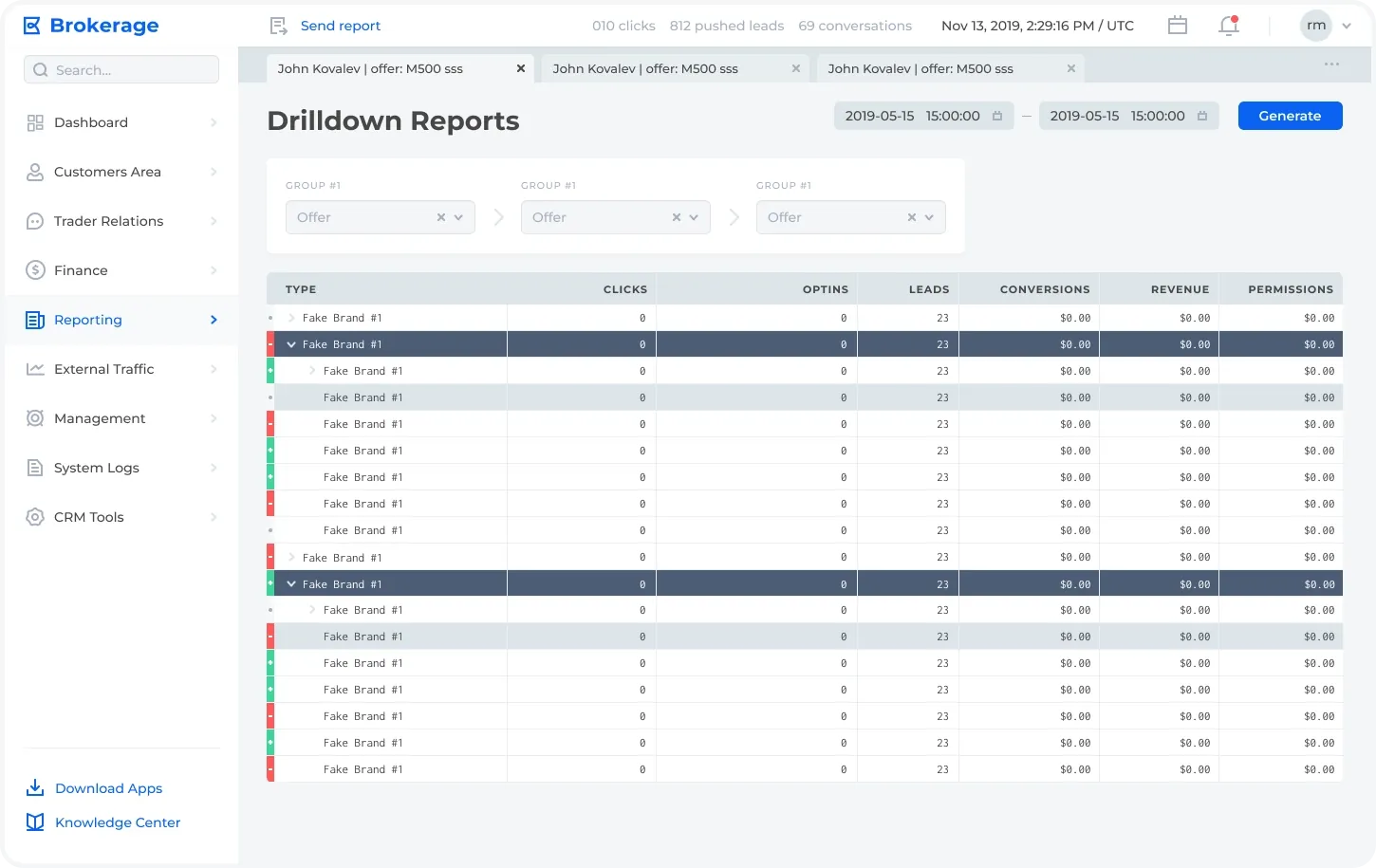
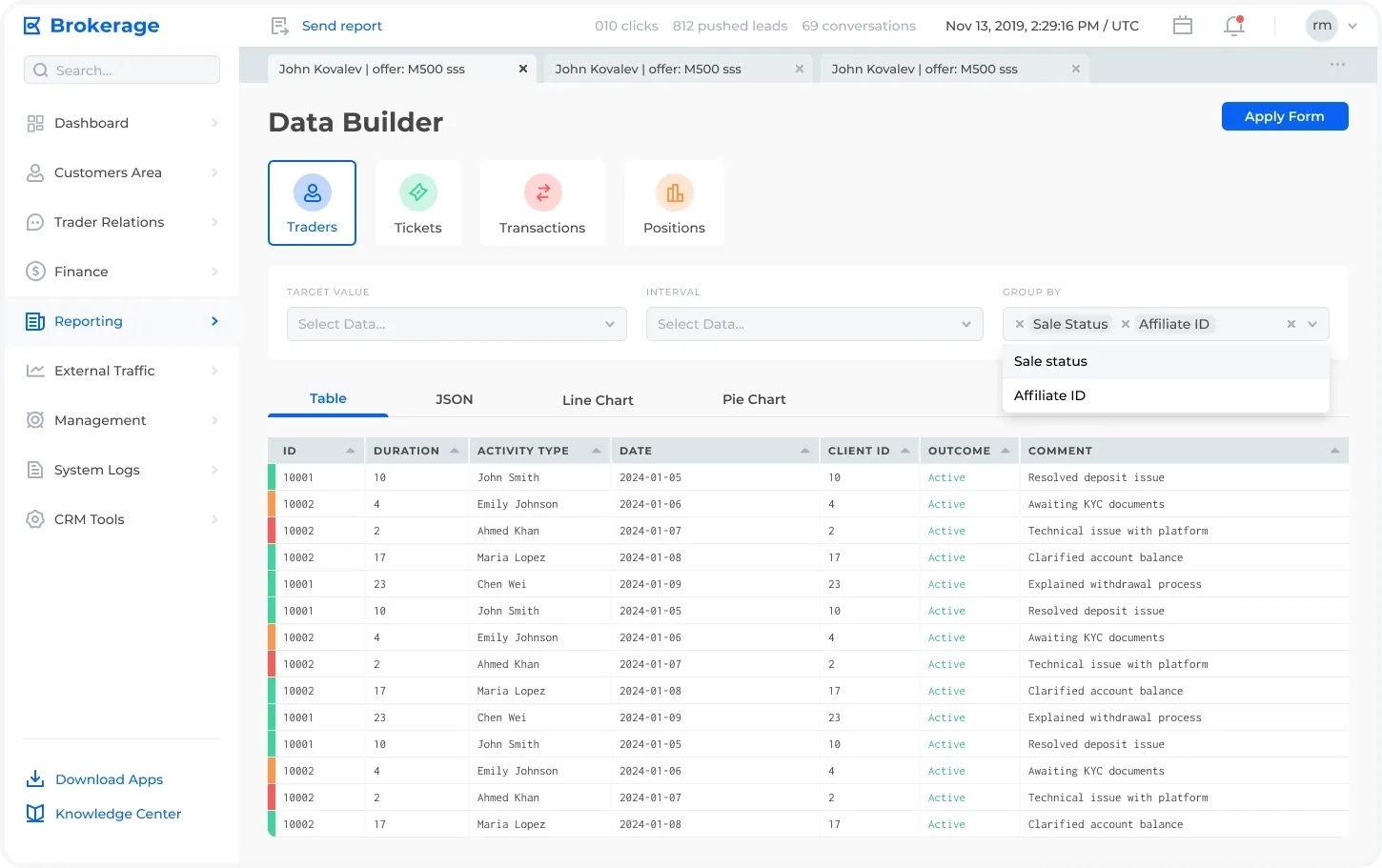
An intuitive interface for generating custom reports. Allows grouping by key parameters like sale status and affiliate ID, selecting intervals, and visualizing data in various formats, including tables, JSON, line charts, and pie charts.
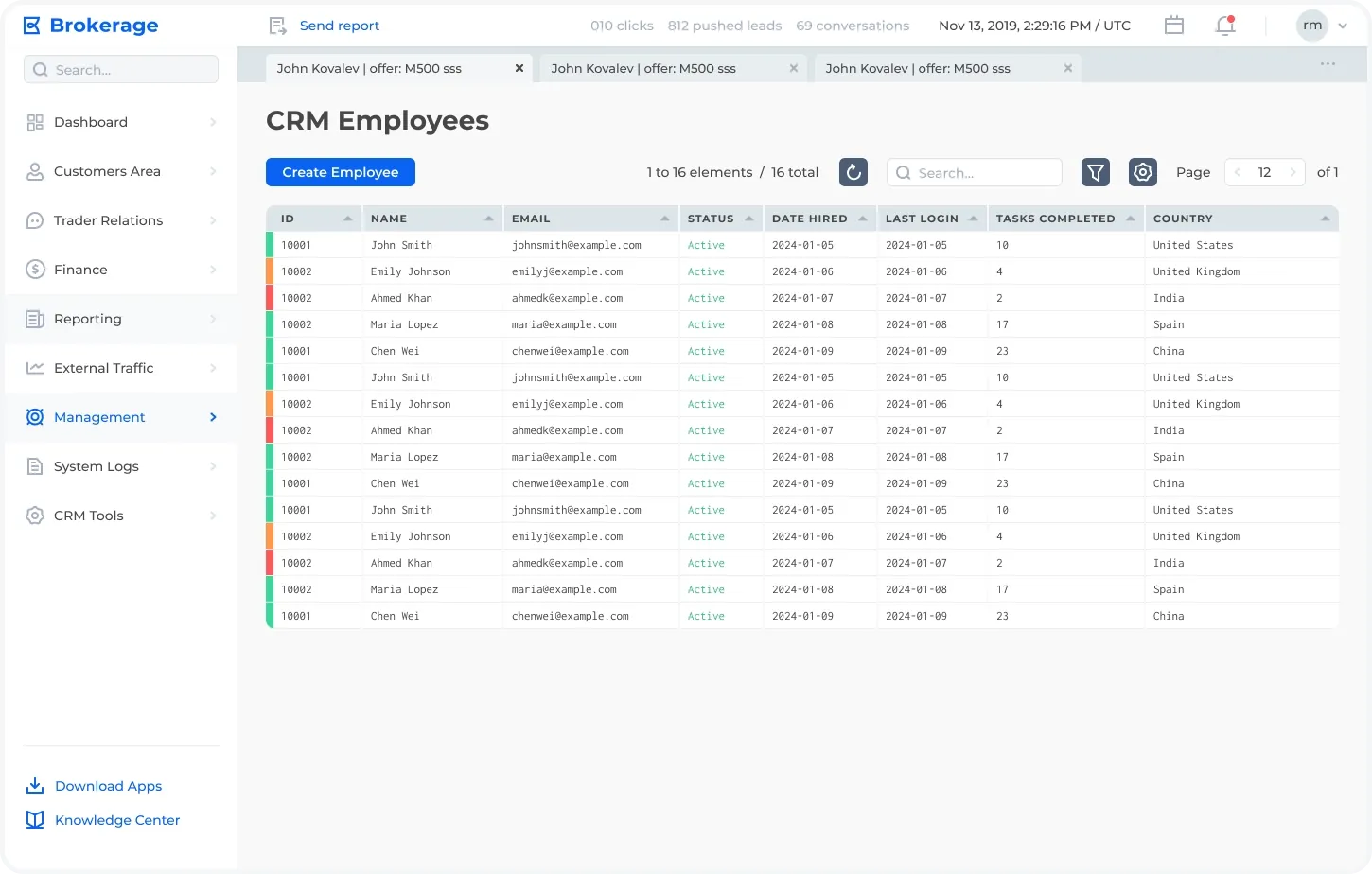
A centralized database of CRM employees with detailed information, including activity logs, comments, and financial summaries. Features tools for creating new entries and filtering existing ones for efficient management.
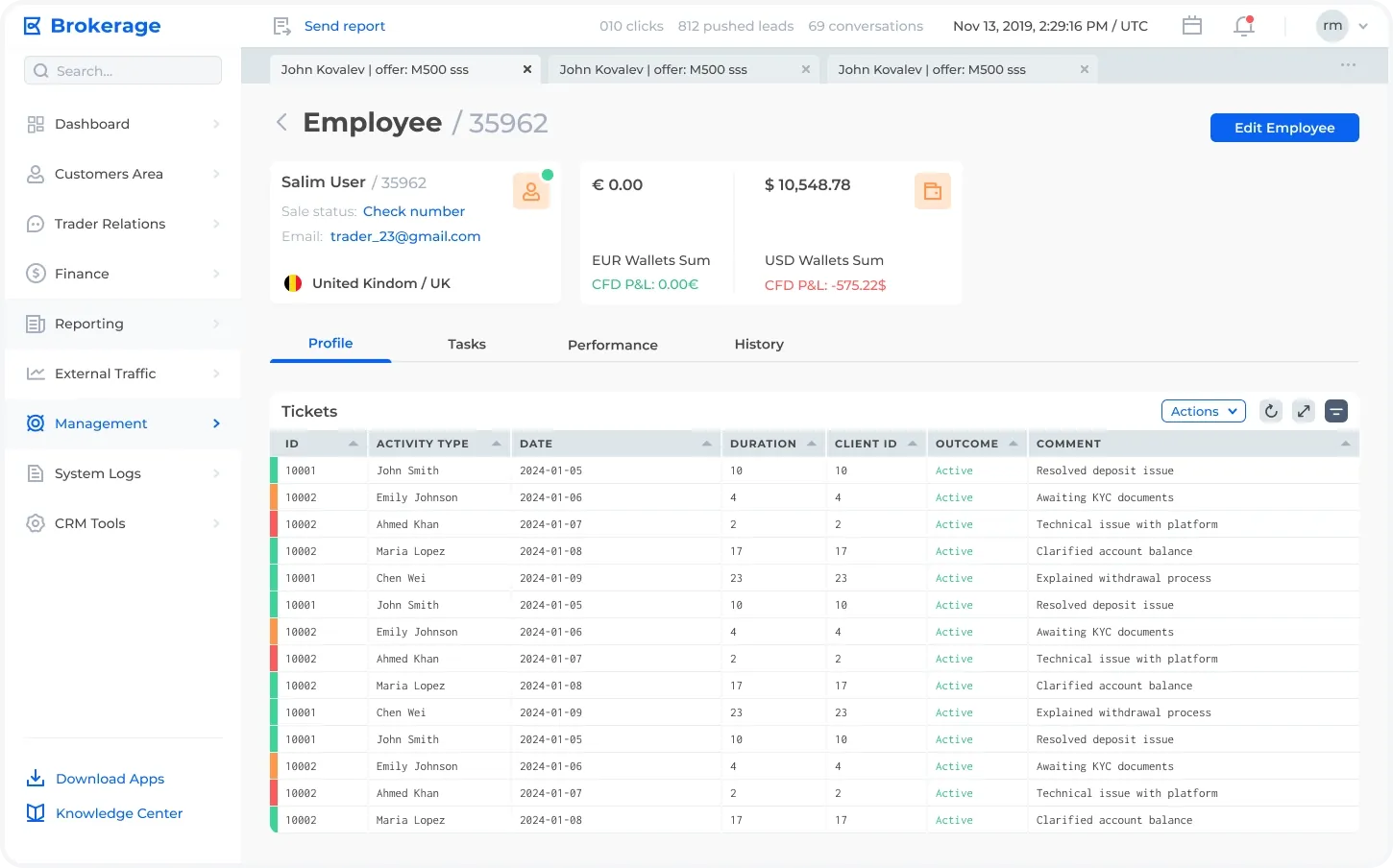
Comprehensive profile view of an employee, displaying personal details, wallet summaries, and activity breakdowns across various segments like campaigns and platforms. Includes quick access to editing tools and detailed transaction previews.
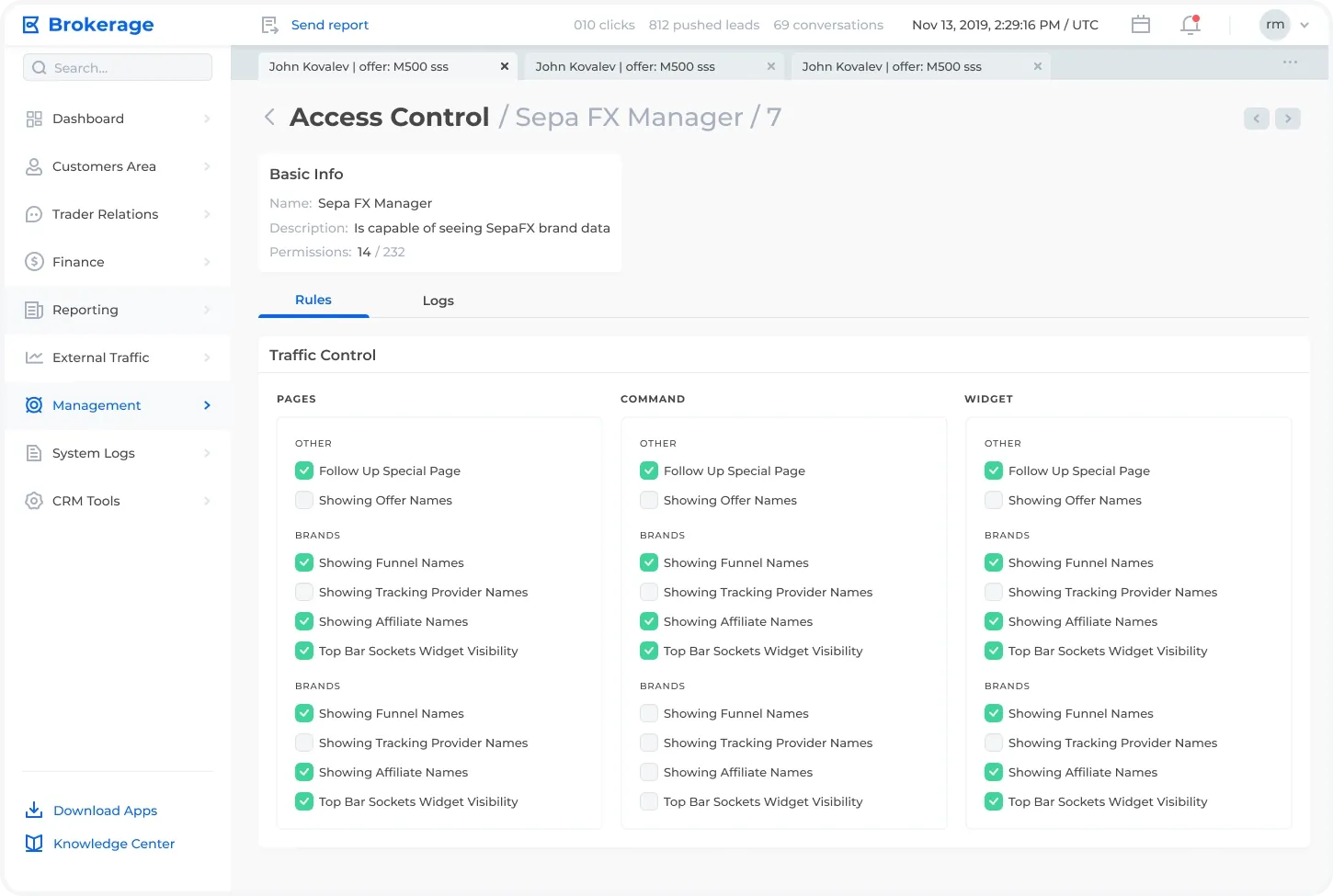
A detailed permission management interface for user roles, allowing administrators to configure access to specific pages, commands, and widgets. Includes an overview of granted permissions and a structured layout for traffic control and visibility settings.
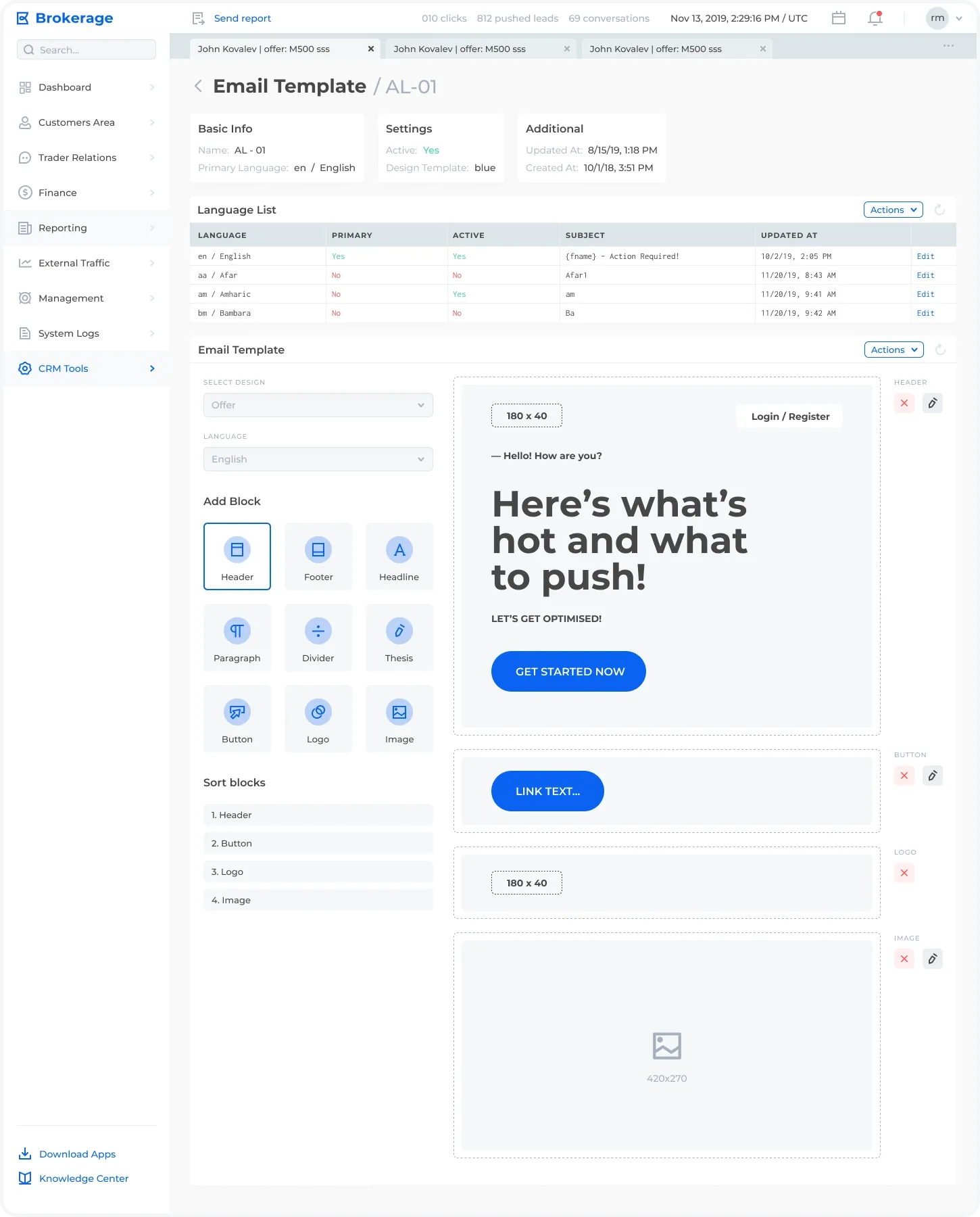
An intuitive editor for creating and managing email templates. Users can customize emails by adding and sorting blocks like headers, buttons, logos, and images. The interface also provides multilingual support and version control for efficient template management.
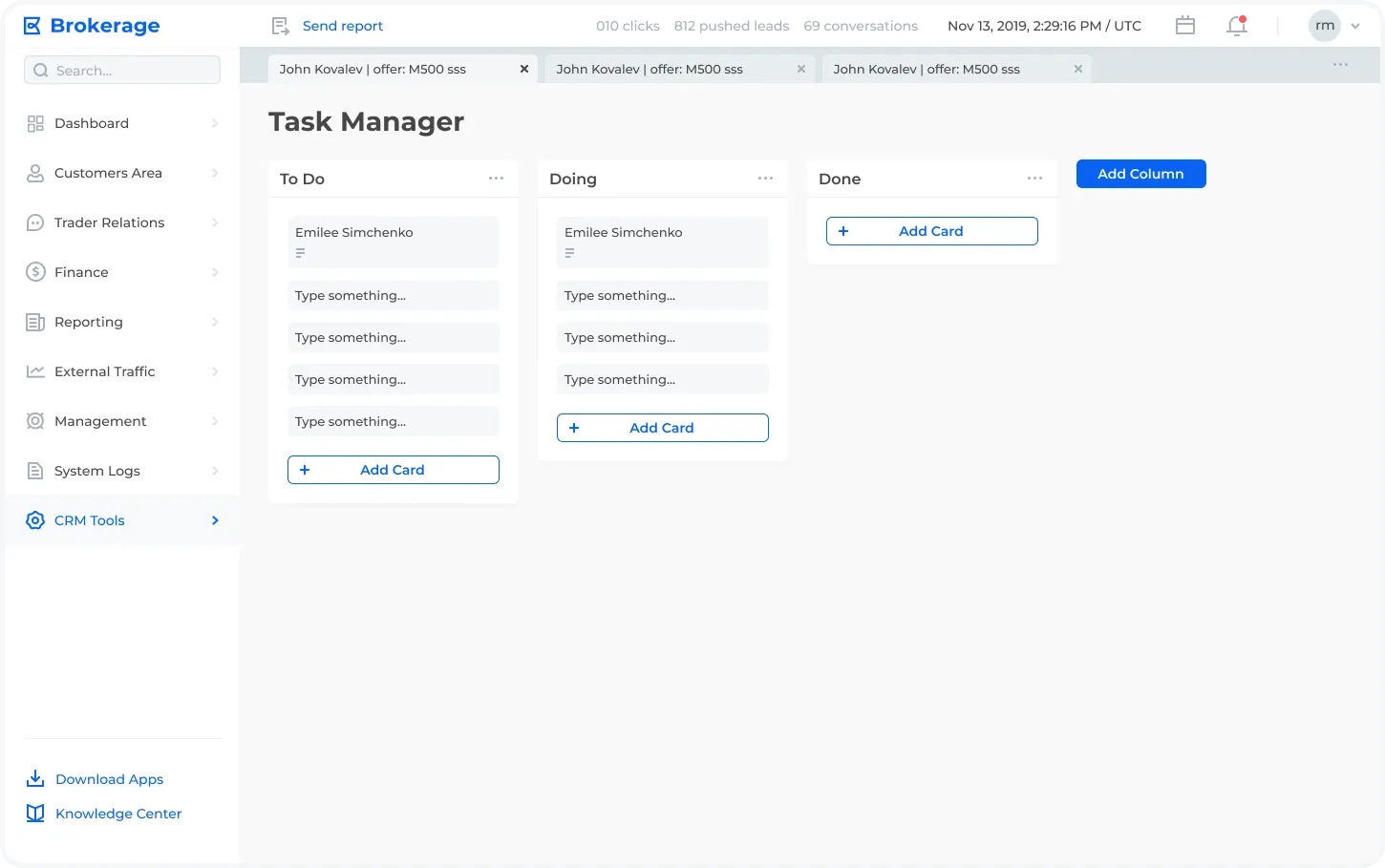
A Kanban-style task management tool enabling users to organize and track tasks across "To Do," "Doing," and "Done" columns. Users can add new cards, edit existing ones, and create custom columns to tailor workflows to their needs.